
cover

Ultimate 8 Ball Pool+

Info, Guide, Walkthrough, Tips, Glitch, News

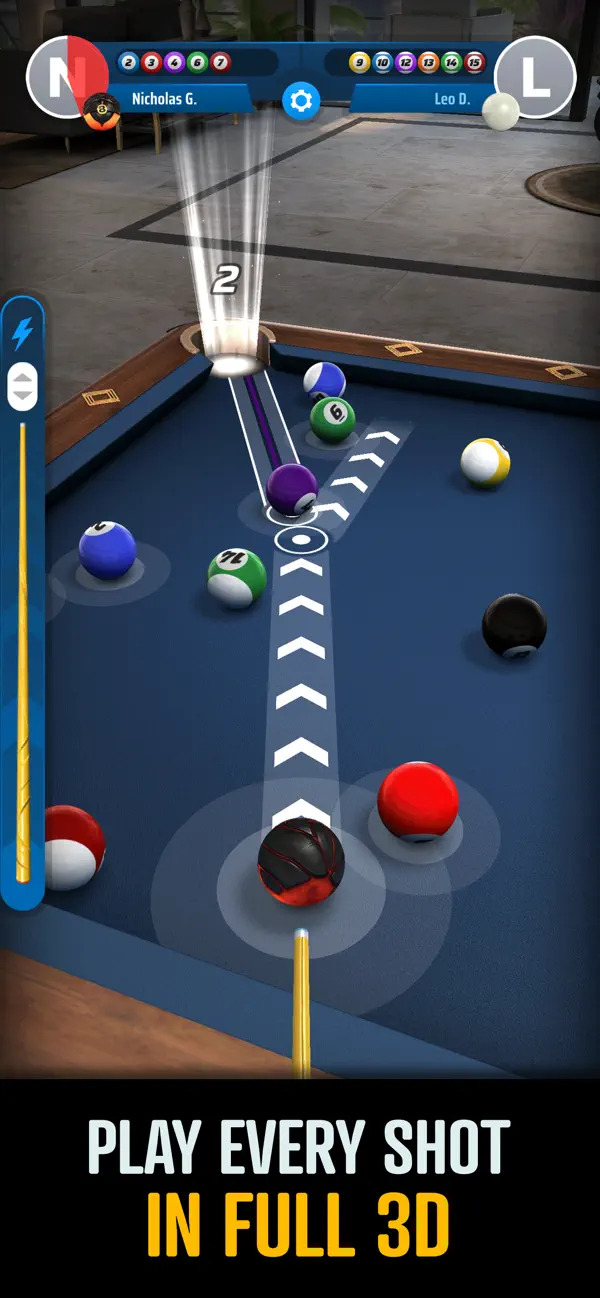
The definitive 8-ball pool experience featuring realistic physics and competitive multiplayer matches.

Ratings

0

Age

9+

Category

Sports

Languages

ENG
Master the art of the cue in Ultimate 8 Ball Pool+. Compete in high-stakes matches, customize your gear, and climb the global leaderboards in this polished sports simulator.
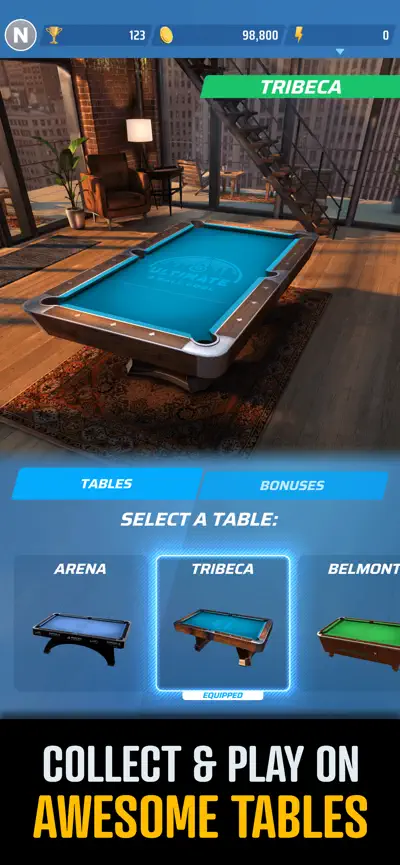
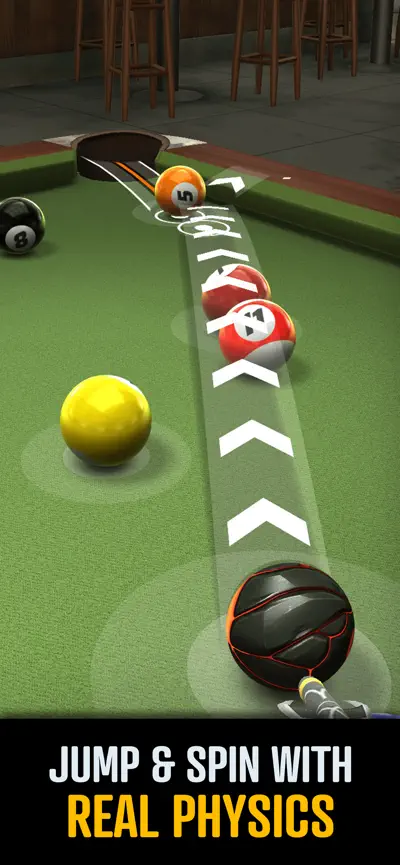
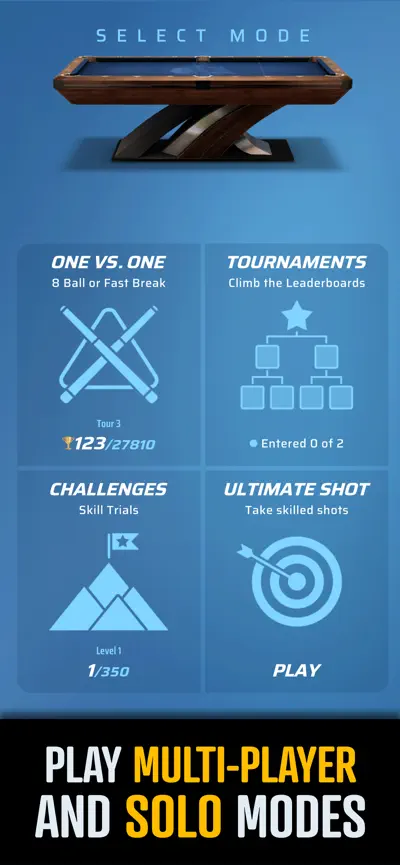
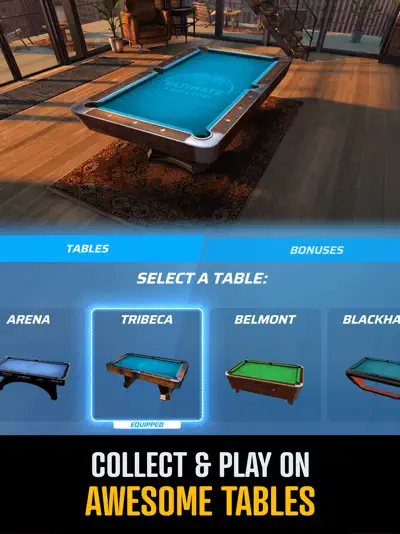
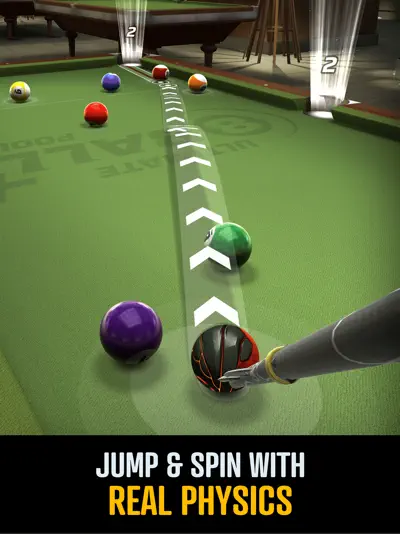
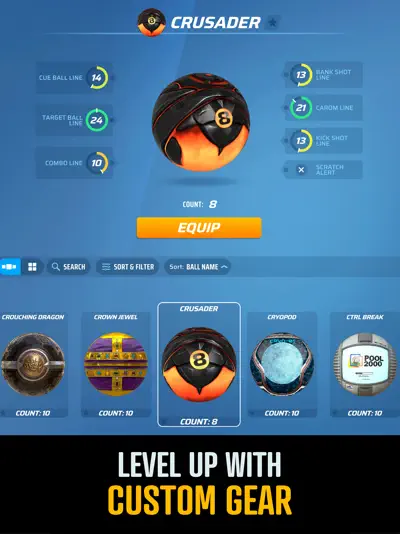
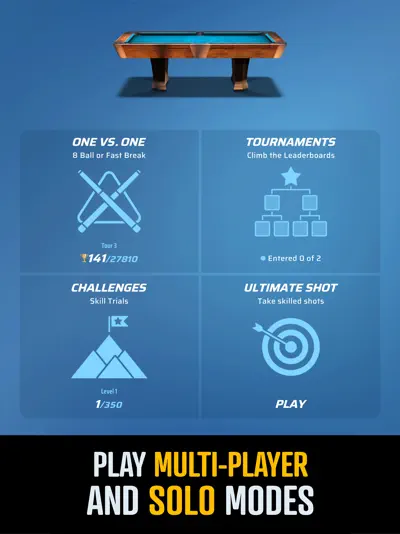
Ultimate 8 Ball Pool+ brings the classic game of billiards to your device with stunning precision and depth. Designed for both casual players and pool sharks, the game features a sophisticated physics engine that mimics real-life ball collisions and spin mechanics. Players can refine their skills in solo practice modes or jump into intense 1-on-1 matches against opponents from around the world. As you win matches, you'll earn rewards to unlock premium cues and customize your table, all while progressing through various high-tier pool halls in a quest to become the ultimate champion.

Screenshot

Here are some screenshots of the game.

screenshot 0screenshot 1screenshot 2screenshot 3screenshot 4screenshot 5screenshot 6screenshot 7screenshot 8screenshot 9screenshot 10screenshot 11screenshot 12screenshot 13

Features

Walkthrough

Climbing the Ranks

Start your journey in the local pool halls to build your bankroll. Focus on mastering basic shots before attempting complex banks or caroms. Use your winnings to enter higher-stakes tournaments in iconic cities, where the rules become stricter and the competition more fierce.

Gameplays

Precision Cue Control

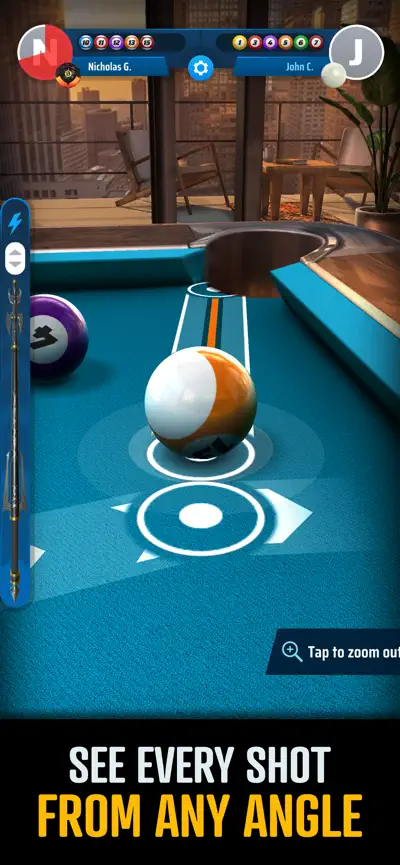
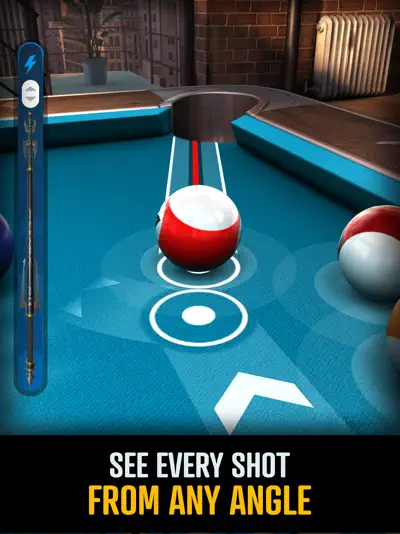
Gameplay revolves around intuitive touch controls for aiming and power. You can adjust the cue ball's impact point to apply top-spin, back-spin, or side-spin (english), which is essential for positioning yourself for the next shot. Success requires a balance of offensive potting and defensive safety play.

Questions And Answers

Here are some possible questions and answers that you might find useful

    Questions And Answers

    Here are some possible questions and answers that you might find useful

    1. Q:How do I add spin to the ball?

      A:Tap the cue ball icon in the corner of the screen to move the red dot. This determines where the cue hits the ball, allowing for follow, draw, and side-spin shots.